Amplis Inspection.
Field asset verification that survives the plant floor. Offline first, photo linked, export ready.
In the field today.
A real inspection product for mining teams who need to prove what exists, what is missing, what was discovered, and what needs follow-up - without losing the evidence in paper, Excel, or a phone camera roll.
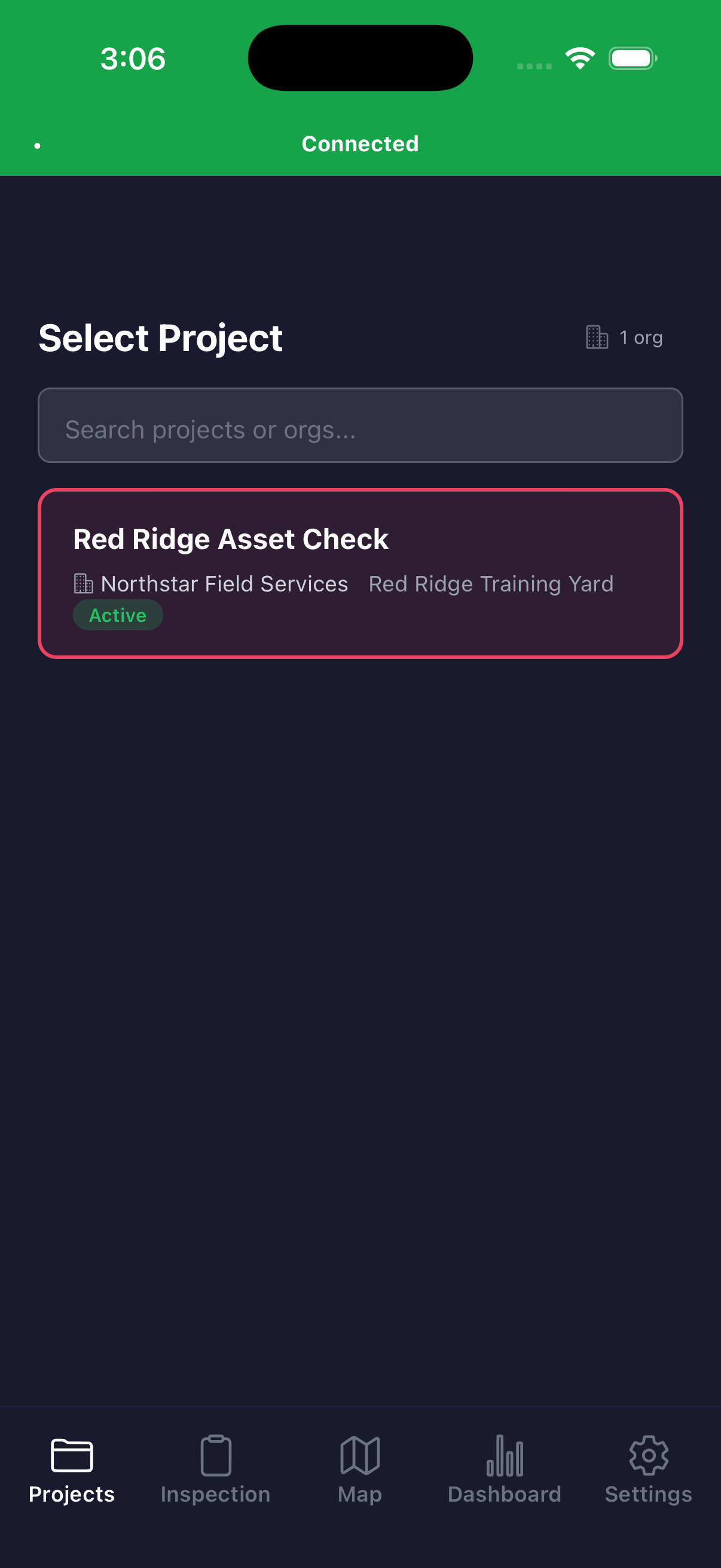
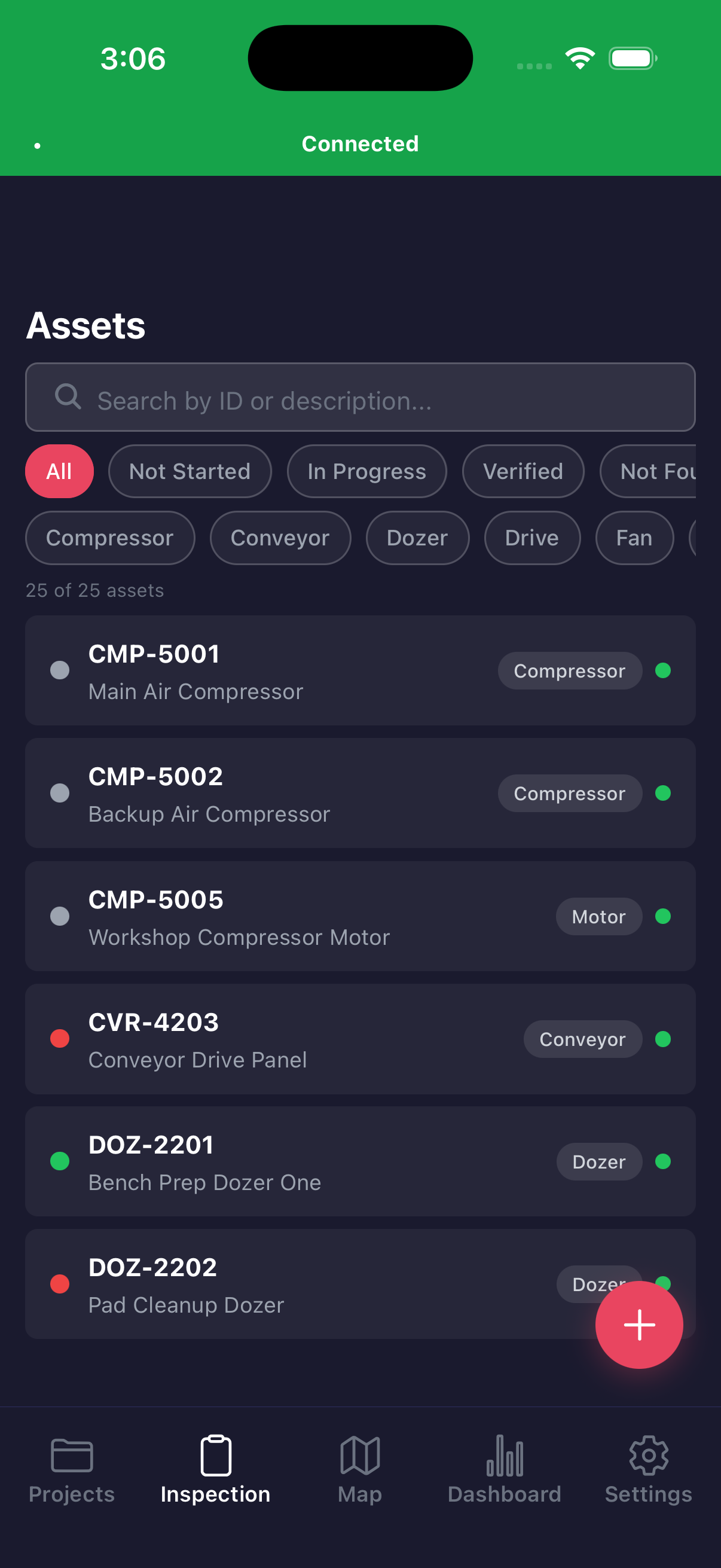
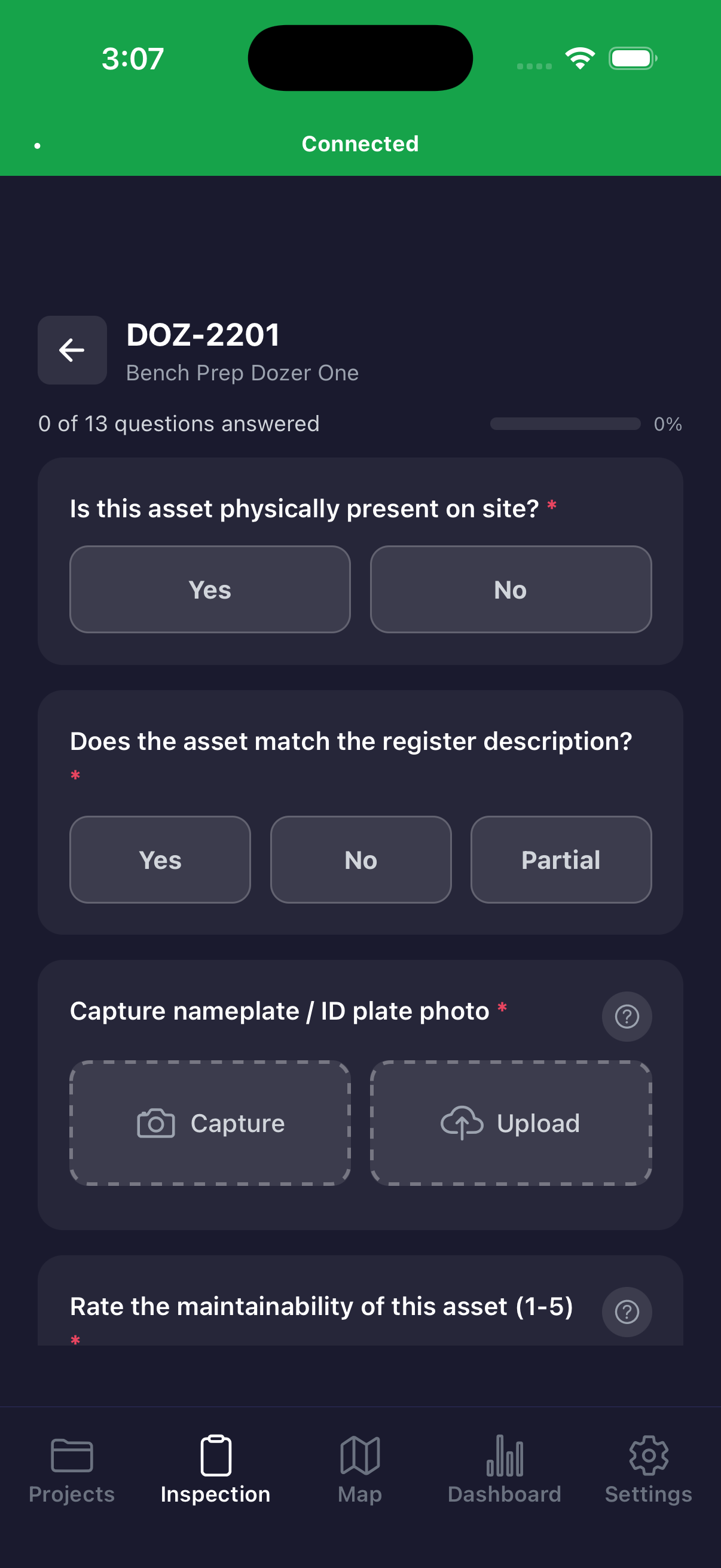
generated demo org and synthetic assets · no customer names, site names, asset IDs or site photos
Built around the way inspection work actually happens.
Asset verification is not a tidy desk exercise. The easy tags get done first, the rest need directions, access approval, wet iPad workarounds and underground timing. Amplis Inspection keeps the workflow intact.
Load the register
Start from the asset list, project question set, required photo categories, map bounds, and inspection session already synced to the device.
Walk the plant
Inspectors work by area, search by asset ID, jump from the map, or follow directions from site personnel when tags and locations are unclear.
Verify the asset
Answer whether the asset is physically present, whether it matches the register, what condition and maintainability issues exist, and what needs follow-up.
Capture evidence
Required nameplate, condition, situational, and defect photos are linked to the asset at capture time with GPS, timestamp, inspector, and filename metadata.
Close out status
Mark assets as verified, not found, partial, or newly discovered so the field reality is visible before it turns into spreadsheet cleanup.
Sync and report
Structured records and photo metadata sync back to the Amplis backend, with exports for Excel, SharePoint, dashboards, and downstream CMMS work.
Every record is structured from the start.
The app starts with the asset register, but the value is in the field record it creates around each asset: answers, photos, locations, session context, and status closeout.
Asset register status
Pending, verified, not found, partial, and new discovery states are tracked per project and per inspection session.
Configurable questions
Question sets are project driven, not hardcoded, with yes/no, dropdown, numeric scale, free text, and photo response types.
Traceable photos
Photo categories are enforced before verification and named against the asset so evidence does not become a loose camera roll.
Location context
Responses, photos, and inspection sessions can carry GPS stamps and trail points for surface work and later mapping.
Offline-first sync
Field entry continues locally when the site has no signal, then catches up when the inspector returns to coverage.
Project progress
Teams can see remaining work, completion percentage, status breakdowns, and which areas still need attention.
Designed for access windows, bad coverage and messy labels.
- 01 Works from iPhone or iPad with large touch targets and high-contrast screens for outdoor field work.
- 02 Supports underground and remote access windows where connectivity, GPS, and guest WiFi cannot be assumed.
- 03 Keeps asset evidence tied to the asset, category, inspector, session, and project from the moment it is captured.
- 04 Lets inspectors record missing nameplates, wrong labels, poor access, obstructed maintainability, and register mismatches in the same pass.
- 05 Keeps data scoped to the customer organization and project so inspection records do not drift across tenants.
Verification data becomes maintenance action.
The closeout is not just a count of inspected assets. It becomes a practical evidence base for master data cleanup, maintainability review, work management gaps, criticality changes, and spare parts decisions.
- 01 Asset verification closeout. A defensible list of what exists, what is missing, what was discovered, and what needs register correction.
- 02 Photo index and evidence pack. A structured photo trail that can be reviewed by asset, category, inspector, status, and location.
- 03 Maintainability and strategy gaps. Field observations highlight access restrictions, missing inspection tasks, inactive checks, and assets needing work management follow-up.
- 04 Critical asset action list. Verification findings can feed criticality reviews, spare parts decisions, BCP planning, and SAP or CMMS cleanup.
Turn the register into a field campaign your team can trust.
Bring the asset list, the question set and the objective. We configure the project, load the devices and run it with your field team.